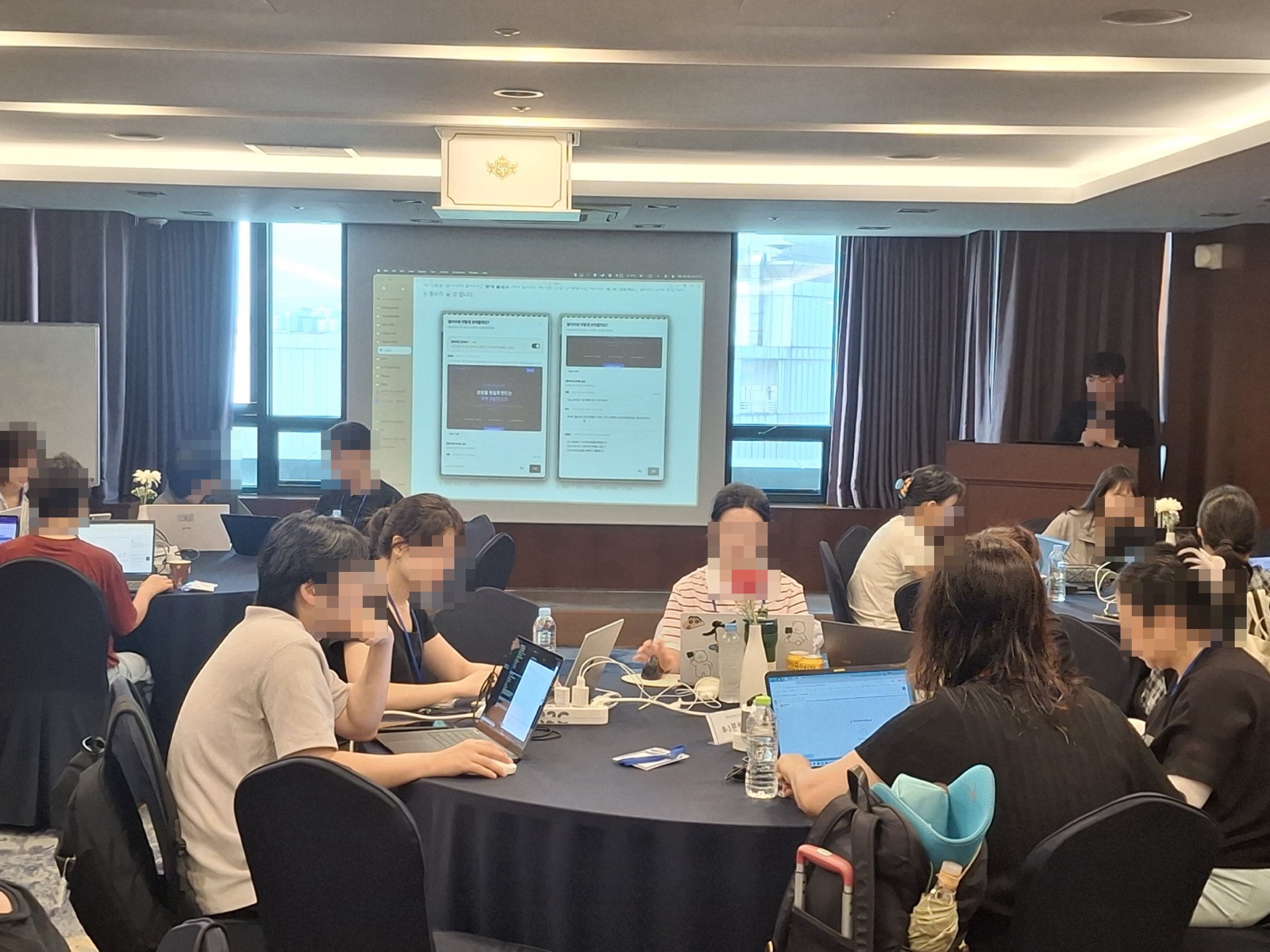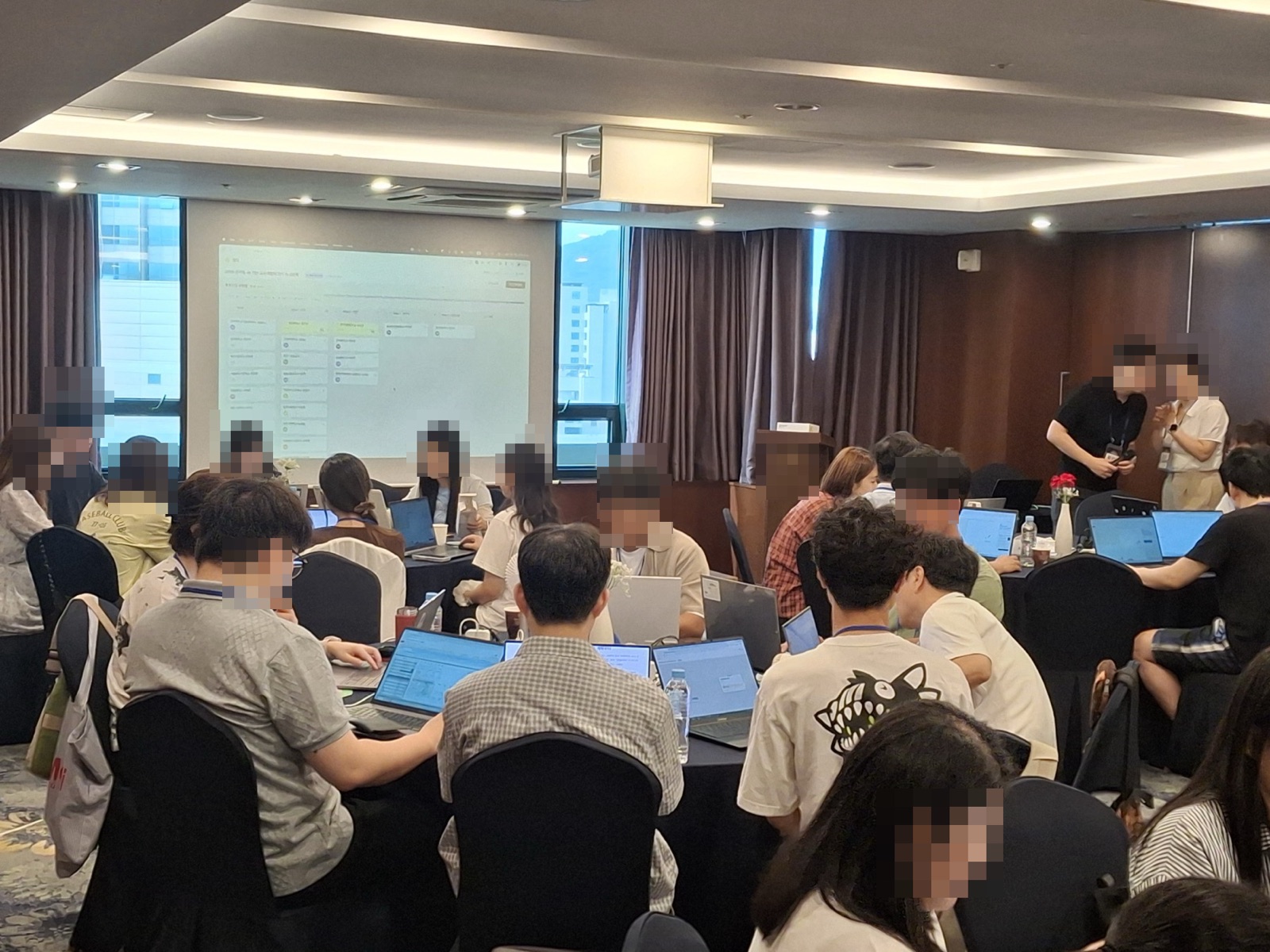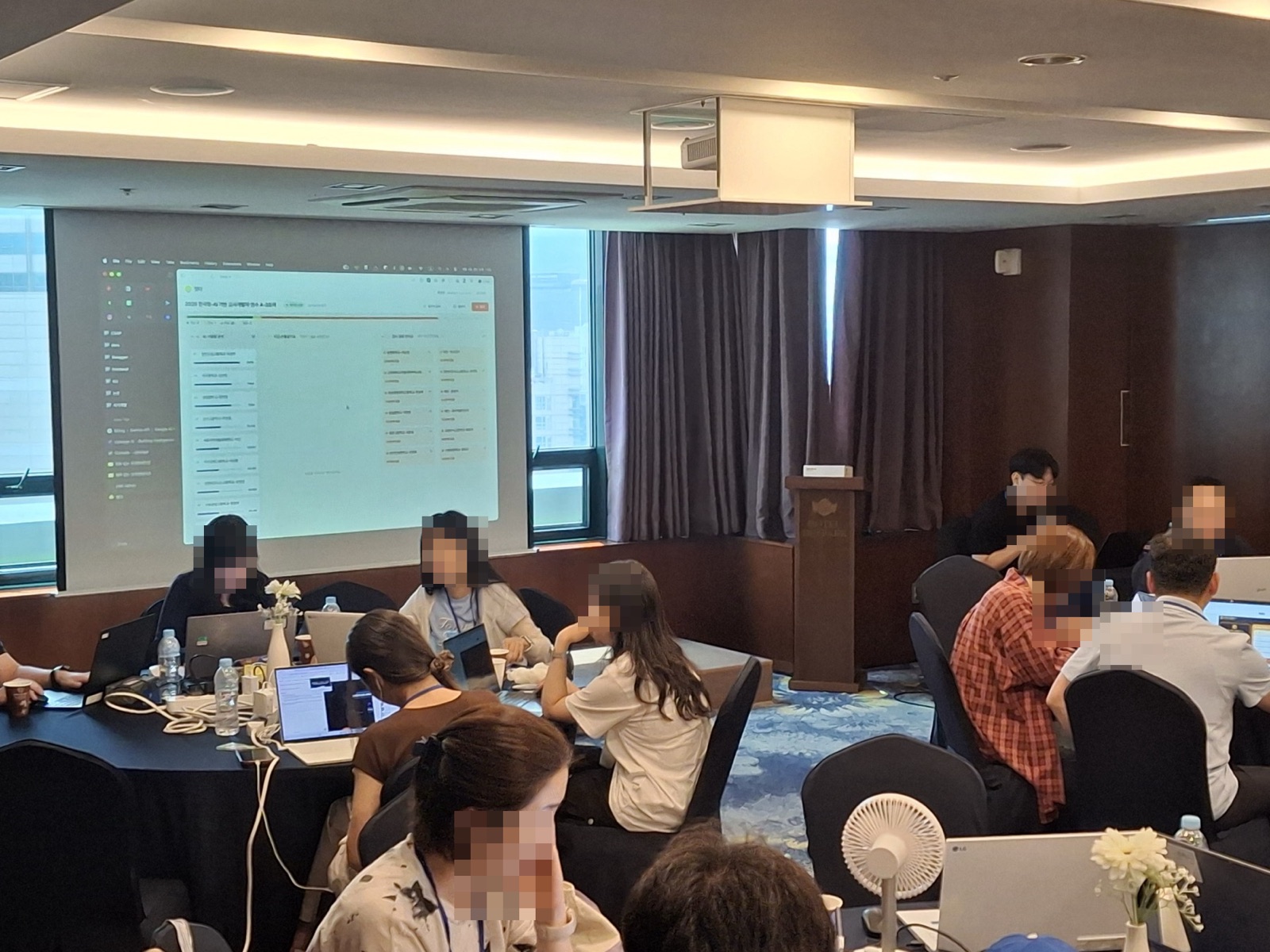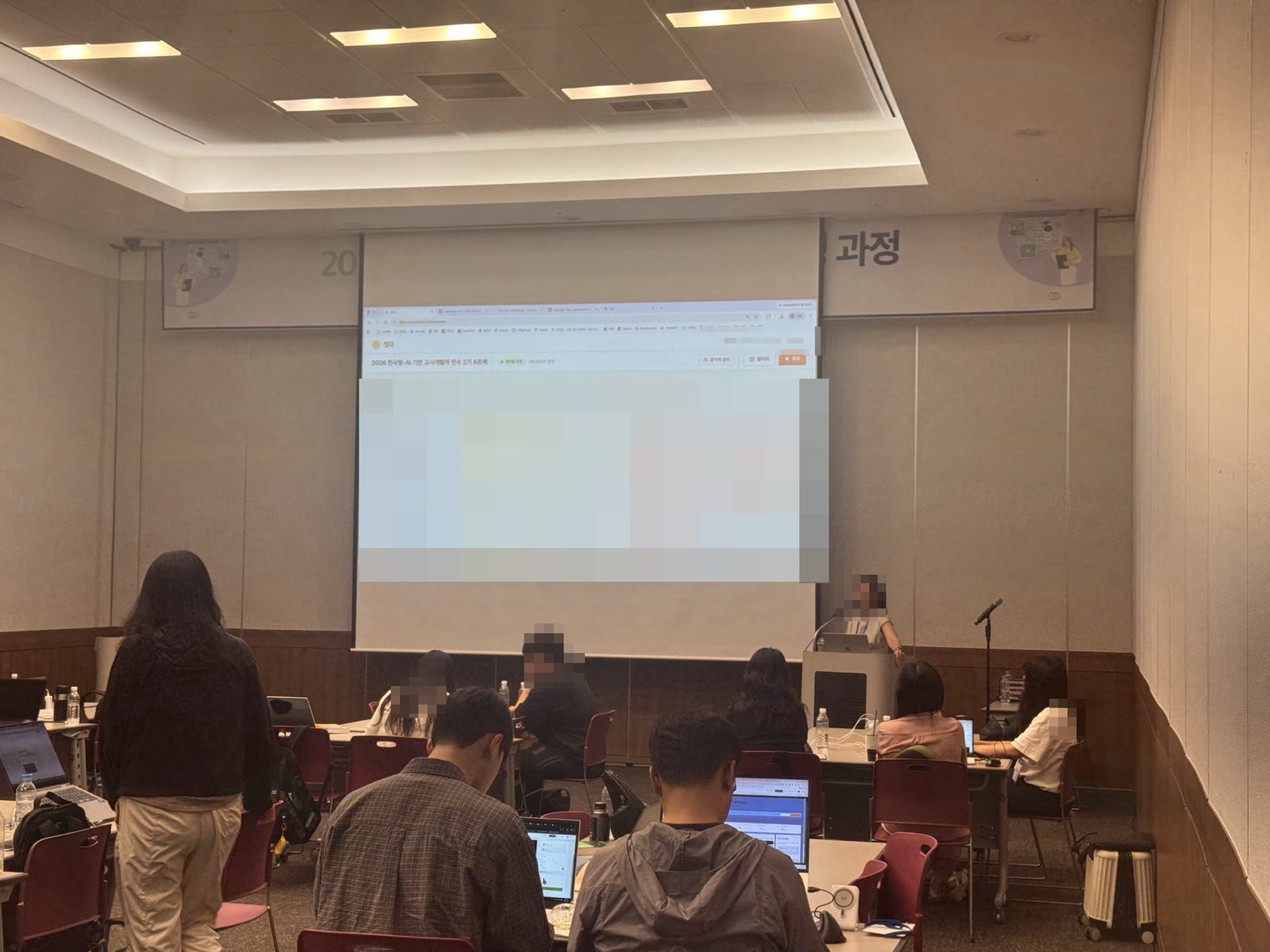
Teachers at the training venue working on their own laptops while watching the Jitda screen at the front

Teachers came to learn about AI,
and went home having built
their own classroom tools.

For both cohorts, in Seoul and in Busan, day two of the training was a Jitda vibe coding hackathon.
Each teacher brought out a problem that had always nagged at them — lesson prep, student activities, assessment —
and turned it into a working web tool that same day.
Training
Informatics teacher training
Date
Aug 3–4 · Aug 13–14Day 2 of 2
Participants
0Informatics teachers · Seoul 109 / Busan 39
Completed
0 toolspublished to the gallery
Run by
JitdaTeam Monolith instructors and mentors on site
Schedule
Theme · AI teaching tools for the problems in my own classroom

The problems came from their own classrooms,
and the tools were built on the spot.

The whole second day of the two-day residential training went to this.
They opened Jitda for the first time in the morning, and by evening they were looking at the tools they had made together.

09:00–12:00

Defining the problem & planning

Opening Jitda for the first time, turning a recurring classroom worry into a tool idea

12:00–13:00

Lunch

A short break

13:00–16:30

Building & mentoring

Instructors and mentors alongside them at every sticking point

16:30–18:00

Sharing & wrap-up

Showing the tools and talking about using them in class

The theme of this hackathon
“AI teaching tools where informatics teachers solve the problems in their own classroom”

Lesson prep, student activities, learning materials, assessment. Each of them brought out the worry they had kept putting off.
The goal was not to stop at trying AI out, but to plan and build a tool that fits their own teaching.

What the day built
Designing and building a teaching tool · using AI · defining a classroom problem
Teachers’ work

Twelve tools, built to use in class right away.

Twelve picked from the 190 projects published across five tracks.
Hover to pause, and click a card to see it in detail above.

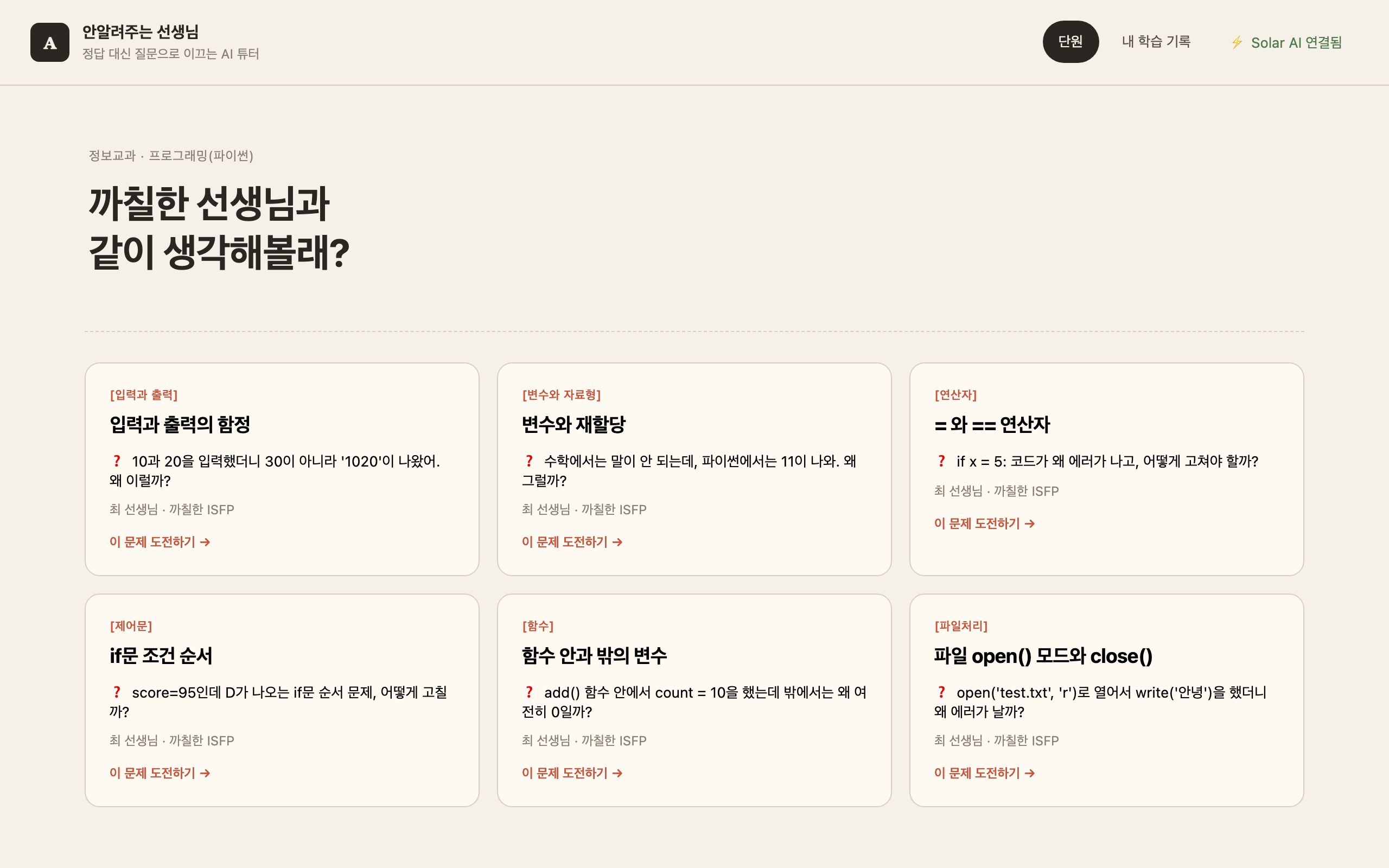
안 알려주는 선생님
1 teacher
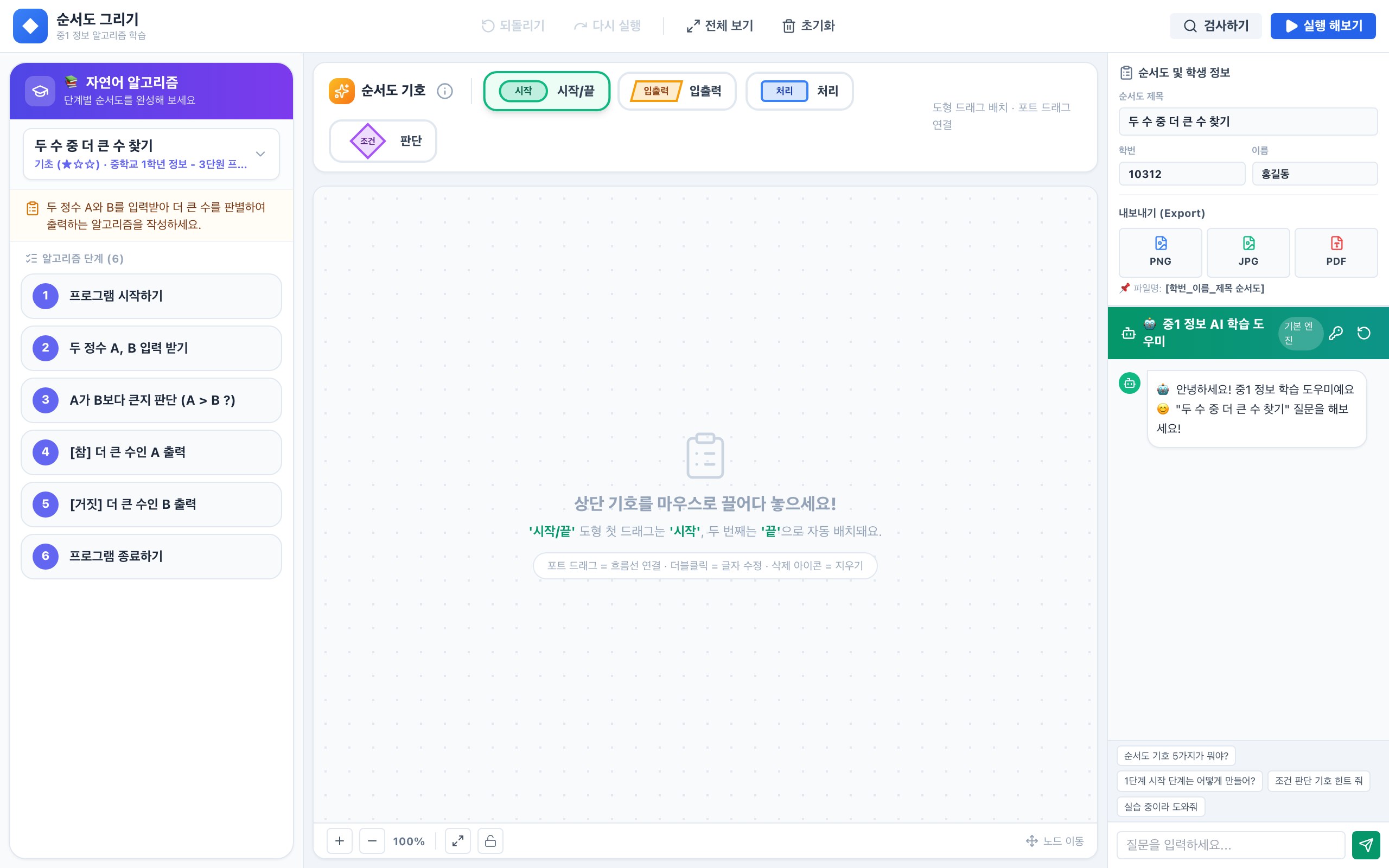
순서도 작성 도구
1 teacher
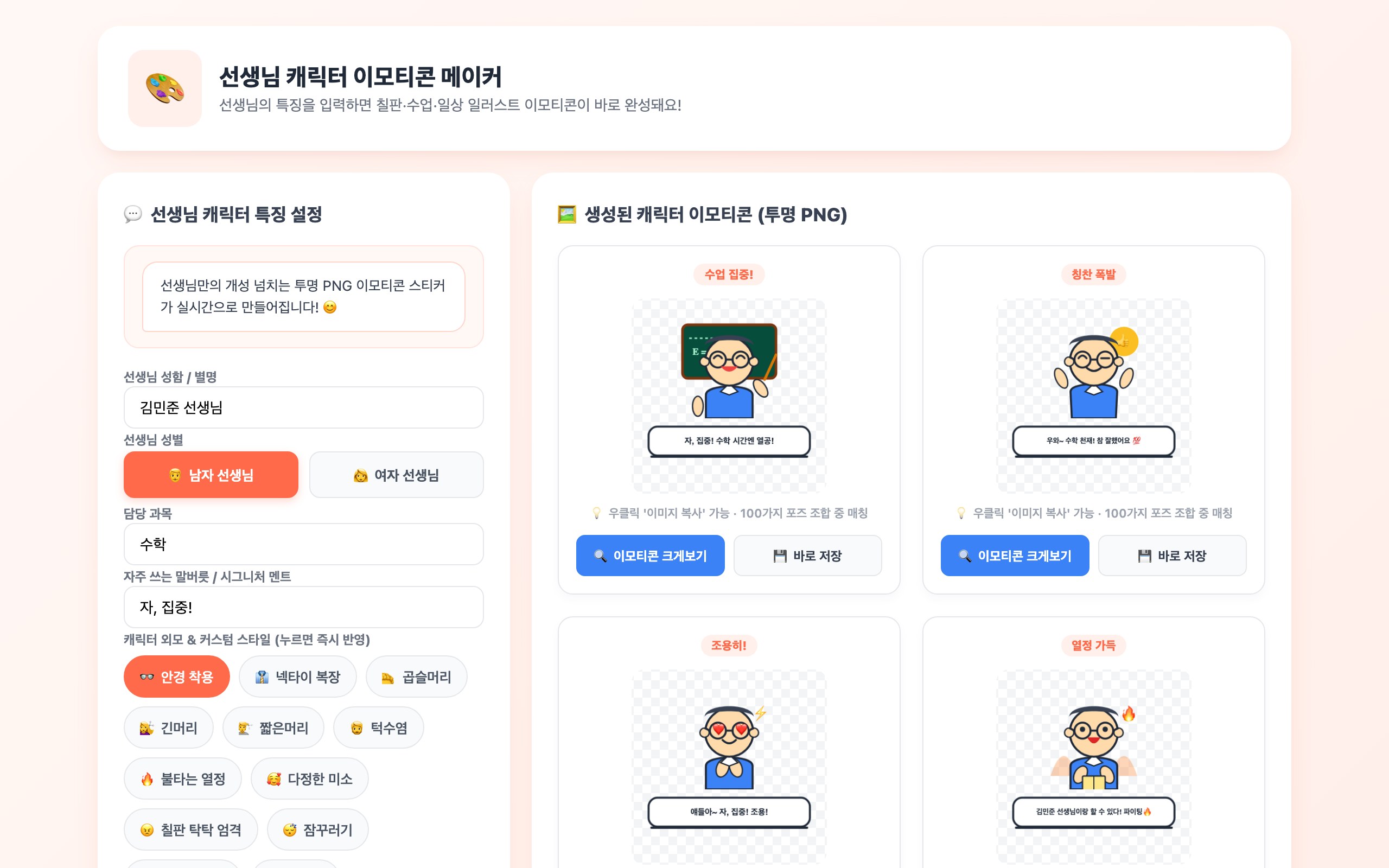
선생님 캐릭터 이모티콘 메이커
1 teacher
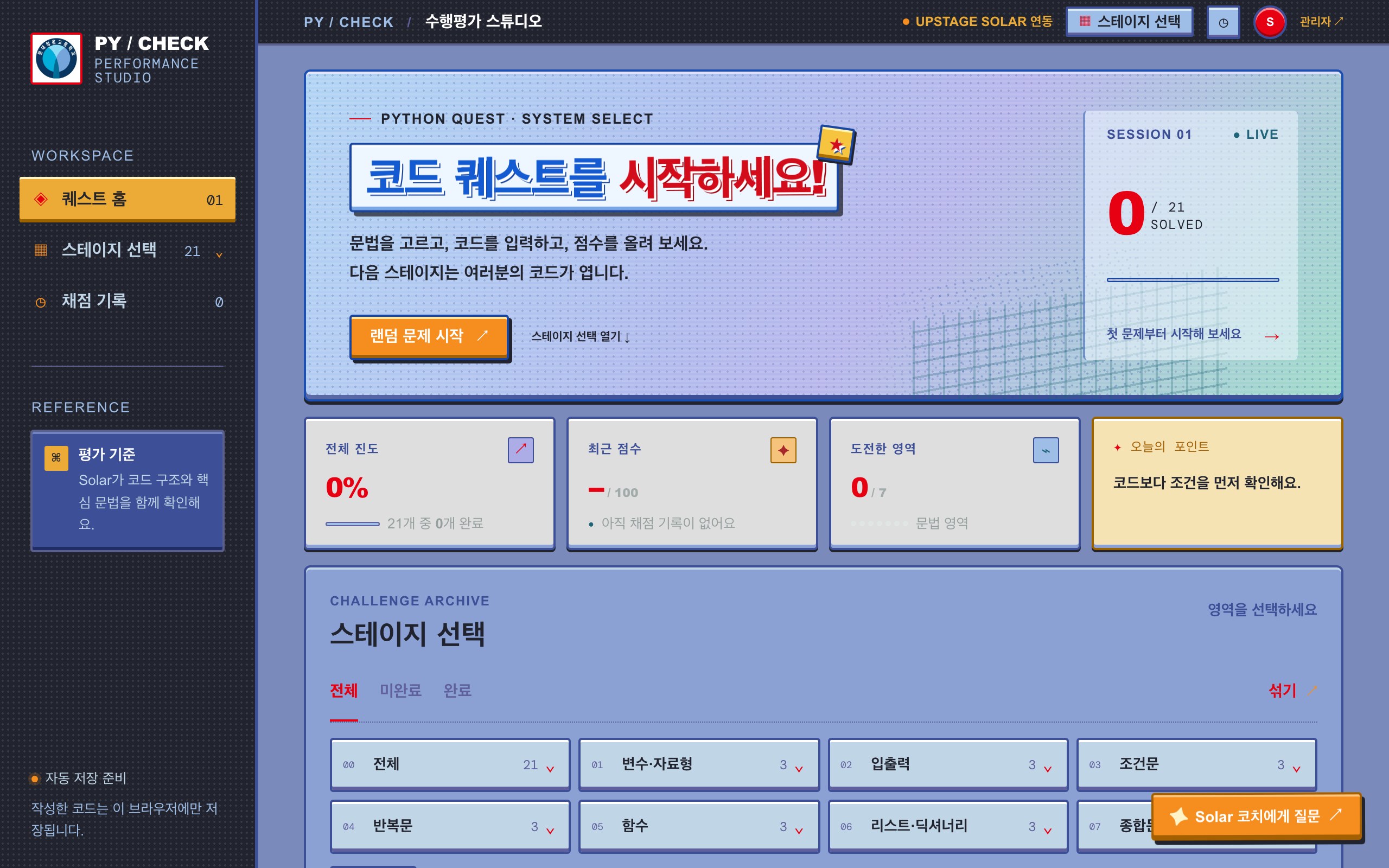
PY / CHECK
1 teacher
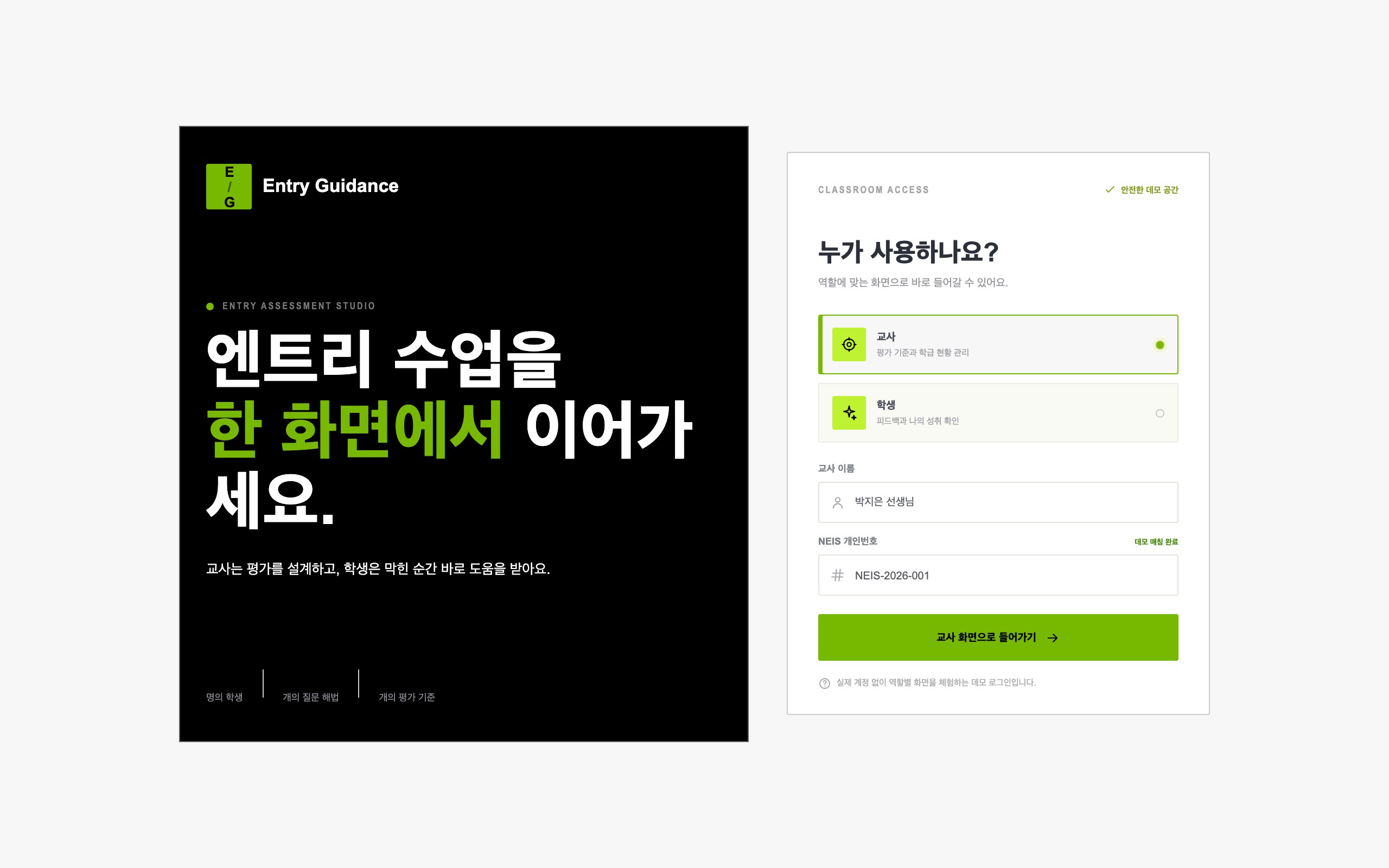
Entry Guidance
1 teacher
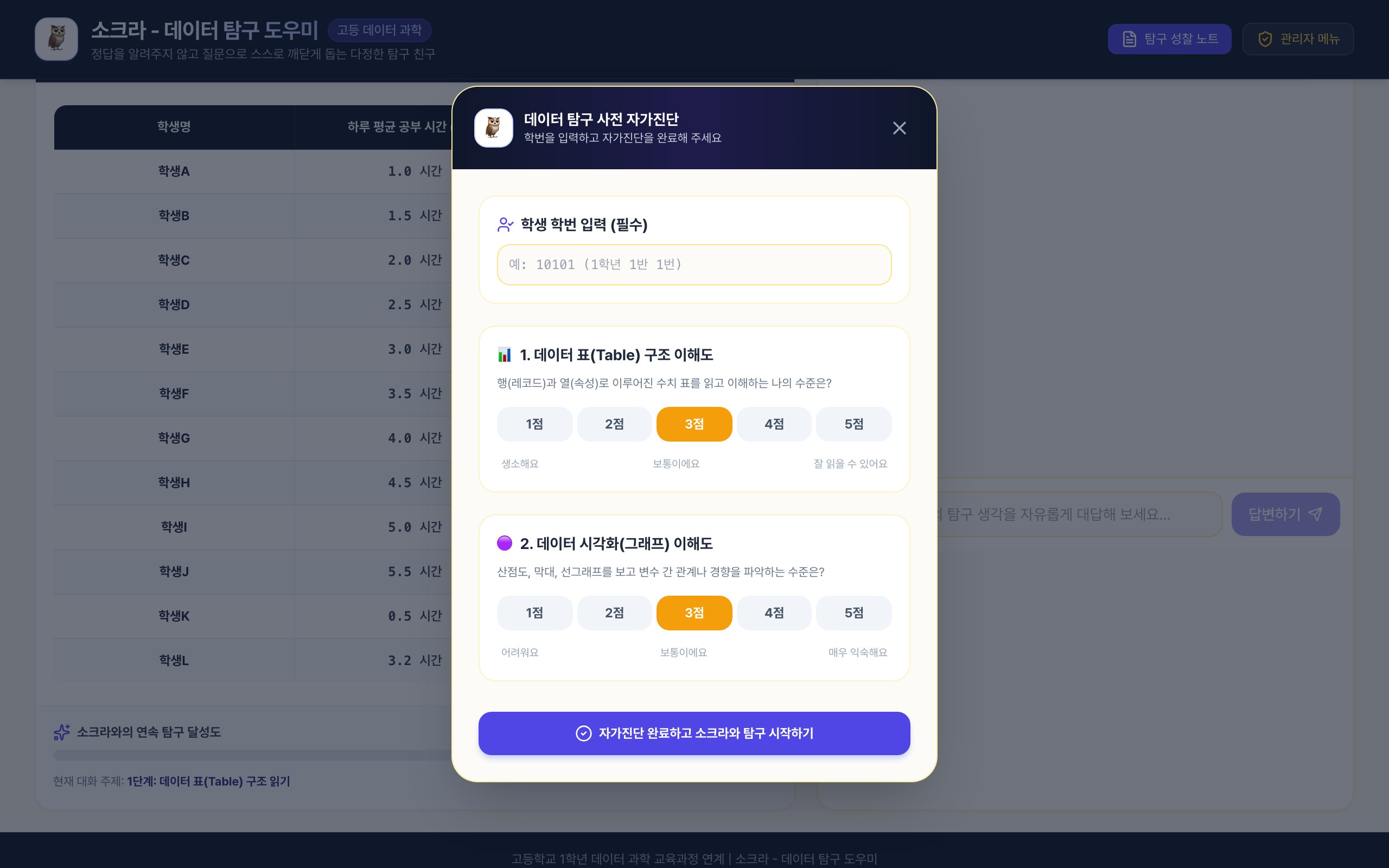
소크라 · 데이터 탐구 도우미
1 teacher
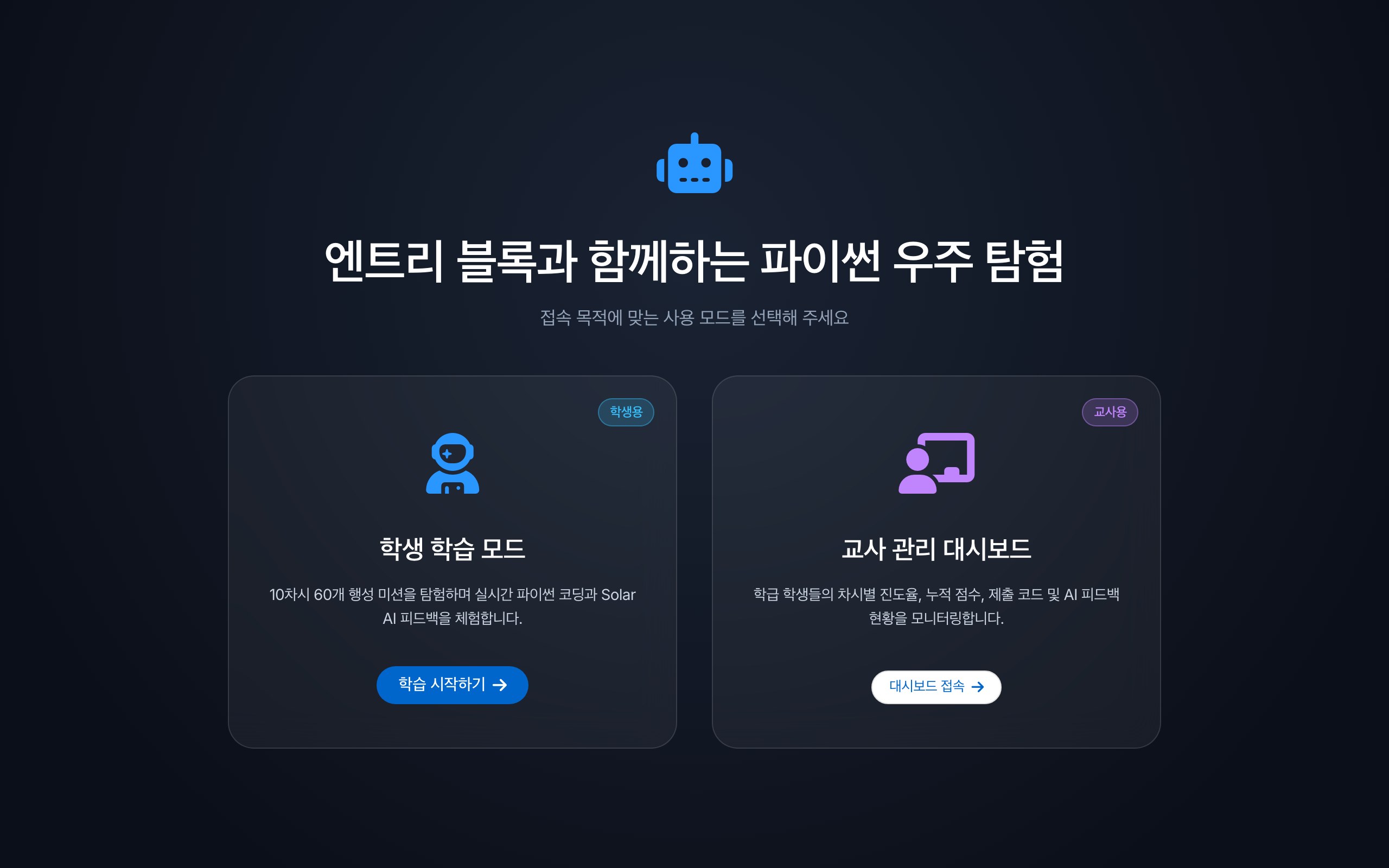
엔트리 블록과 함께하는 파이썬 우주 탐험
1 teacher
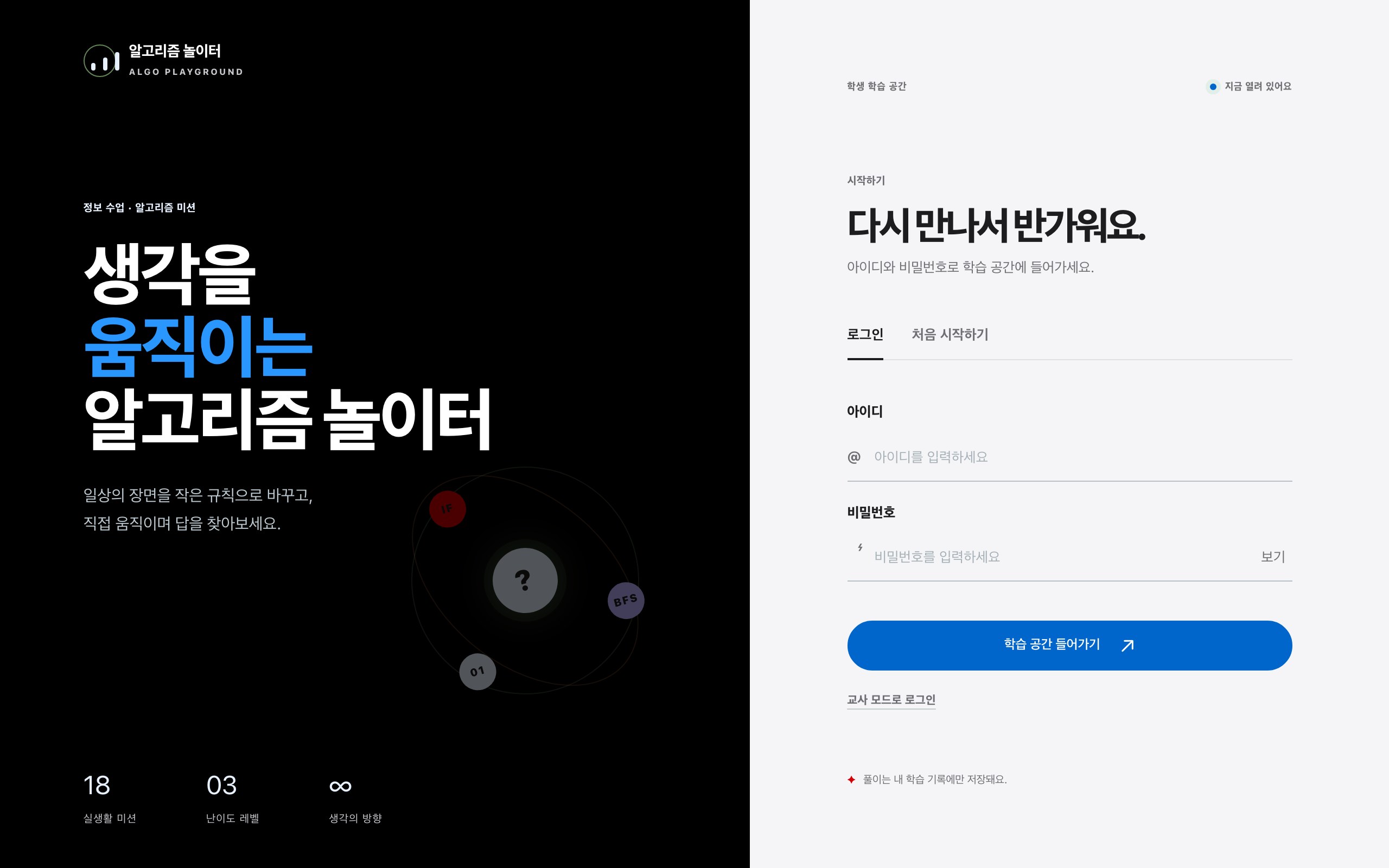
알고리즘 놀이터
1 teacher
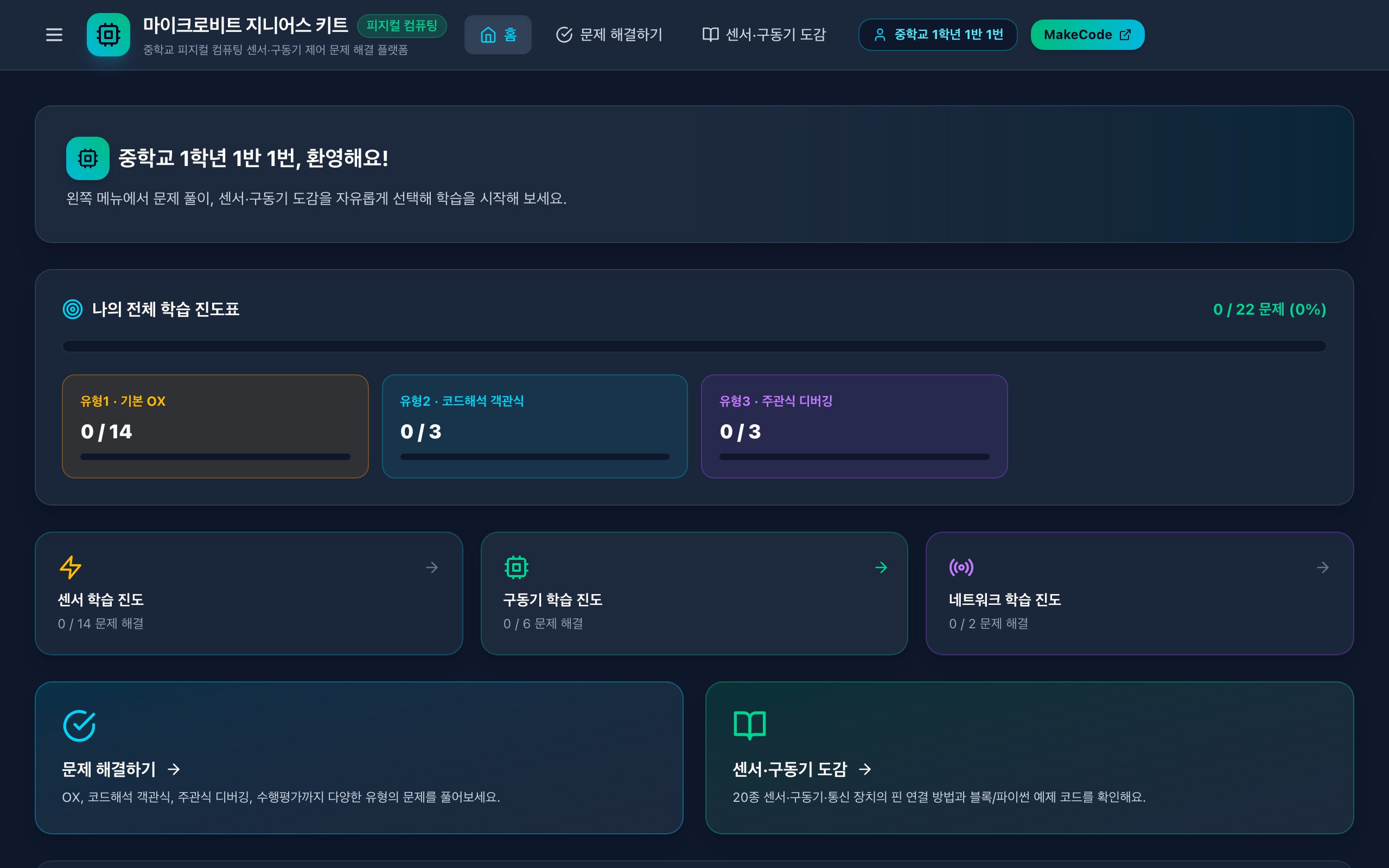
마이크로비트 지니어스 키트
1 teacher
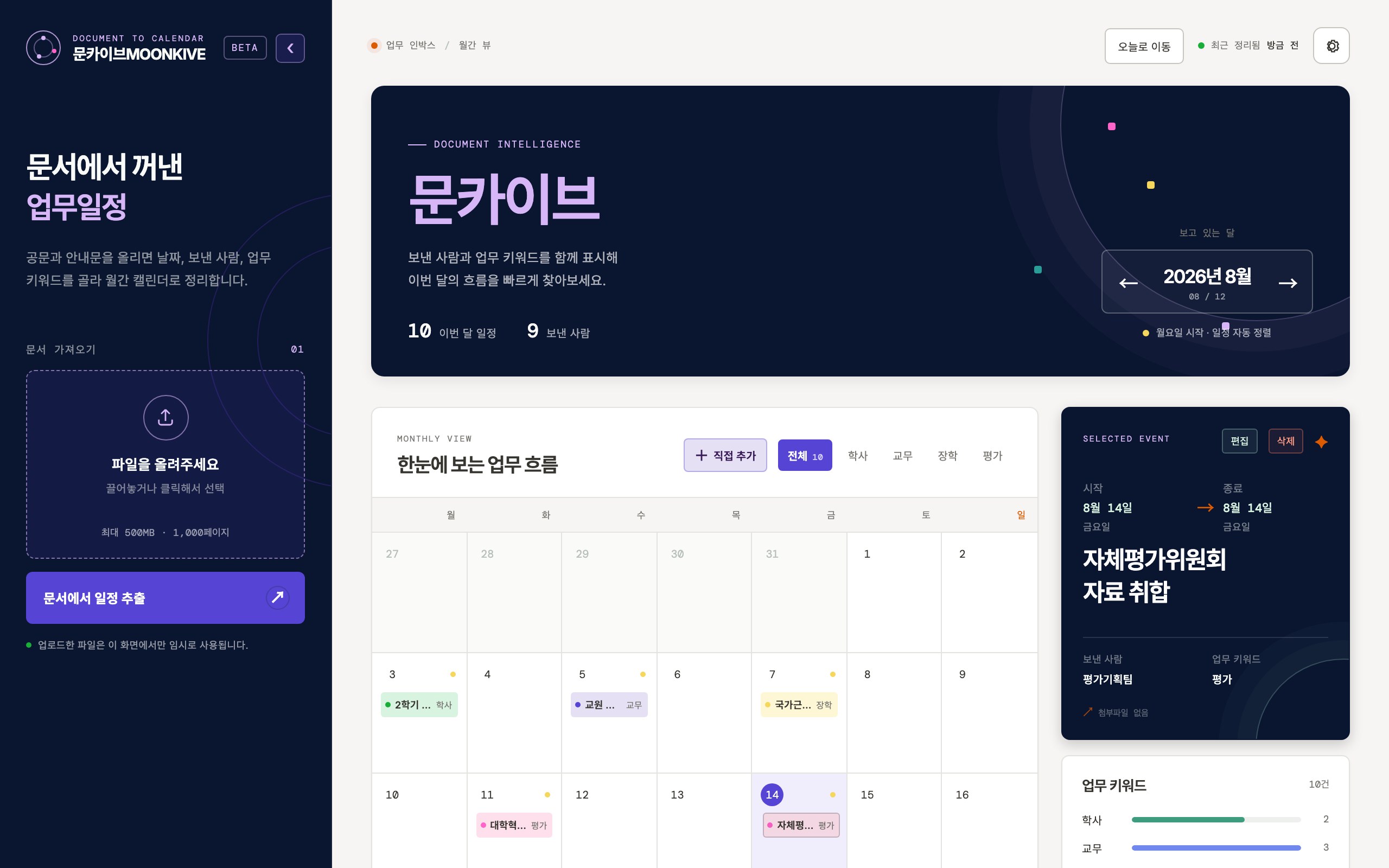
정리봇
1 teacher
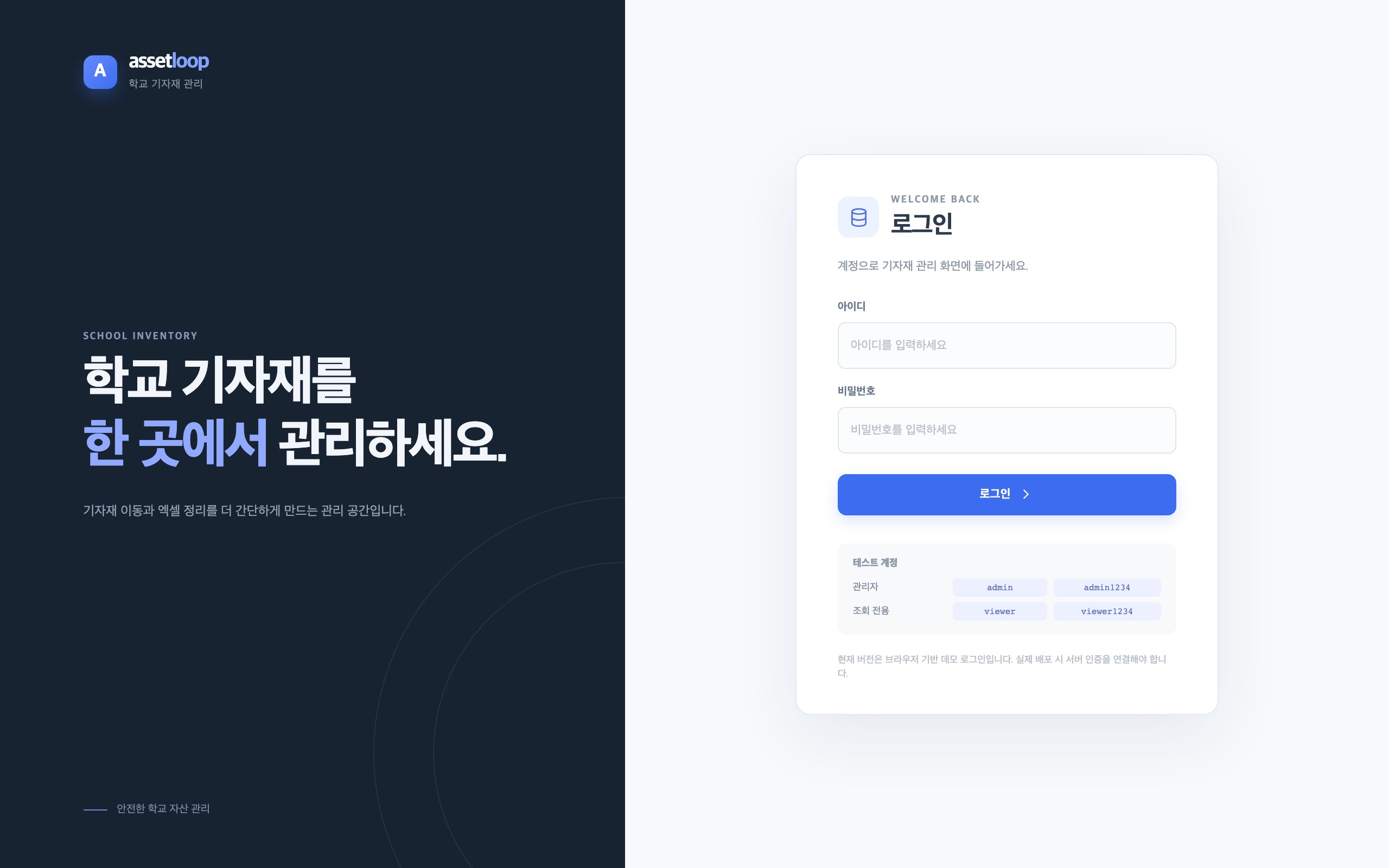
학교 기자재 통합 관리
1 teacher
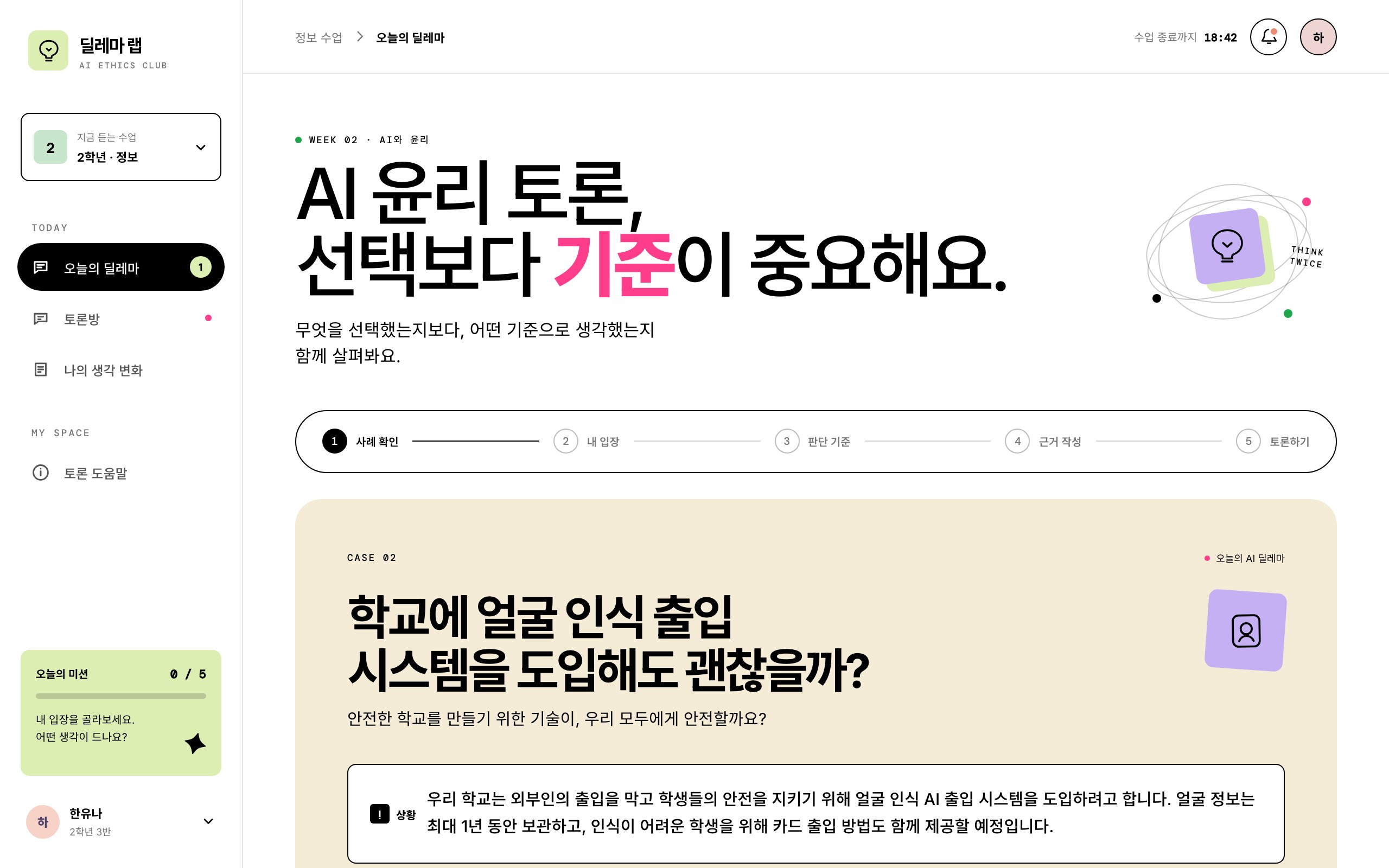
딜레마 랩
1 teacher
Teachers around a round table, each building their own classroom tool on a laptop
Interview

What we saw on the day,
written up first by the staff who ran it.

What follows is not a transcript of an actual interview; it is a staff commentary reconstructed from the training’s operating records and what we observed on site.
We will replace it with real quotes once we have an interview with the teachers in charge.

Training staffReconstructed from operating records
QWhat stood out most in this training?
Training staffThat the teachers did not stop at trying AI out. Each of them put a problem that kept coming back in their own classroom on the table first, and then worked out on the spot how to build a tool they would actually use in their lessons.
QSome of them must have been new to vibe coding. How did it go?
Training staffSome were unsure at first. Once they saw that on Jitda they could talk with an AI and watch an idea appear on screen right away, the questions that came up — from planning through to building — were worked through on the spot with the instructors and mentors. Many of them reached a working prototype within the day.
QHow engaged were the teachers taking part?
Training staffThe questions never stopped. They did not only ask how to build something; they asked what to change to fit their own students, and what it would take to keep using it in class.
They came to learn how to use AI,
and left having learned how to build with it.
Training staff · reconstructed from operating records
QWhat do you think this hackathon left behind for informatics teacher training?
Training staffIt showed that teachers do not only use AI tools — they can design and build the tool their own lessons need. Many said they wanted to keep using what they made after the training ended. How to share and distribute what they built is the next question.
The classroom that day

From the morning they first opened Jitda
to the evening they looked at each other’s tools

It felt less like a training course than a workshop.
The explanations were kept short, and most of the day went to each of them building.

Teachers at round tables across the venue, each building their own tool on a laptopBuilding
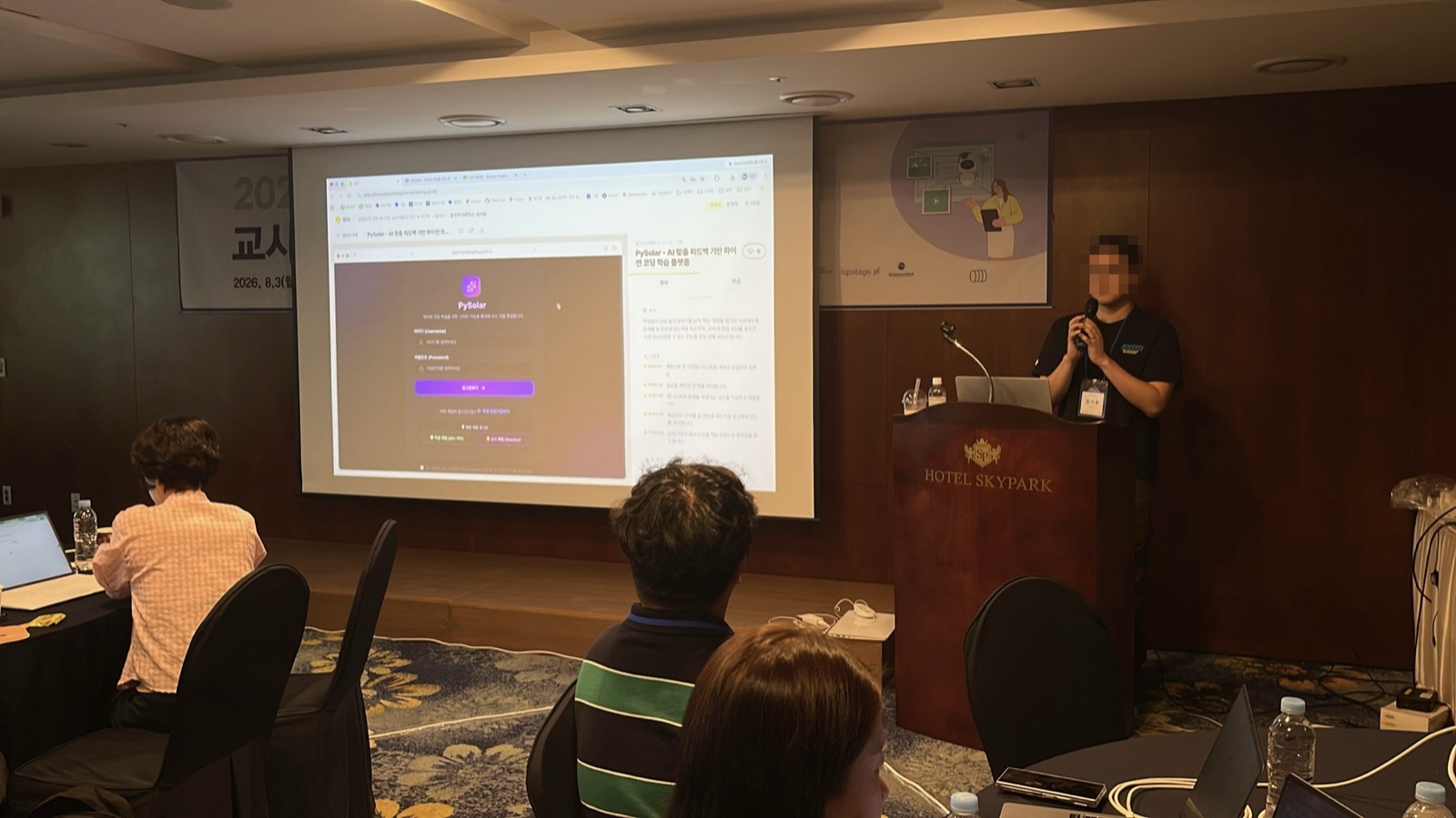
The facilitator at the front walking through the Jitda screenSigning in and the tutorial
Teachers at one table looking at a screen togetherLooking together
Teachers working at their own desks, with staff nearbyEveryone’s own workbench
A finished learning platform on screen as it is presented from the podiumPresenting and sharing
Contact us

Open the next hackathon
at your organization — we'll bring the rest.

From schools and districts to corporate training and workforce programs — tell us the size and the dates, and we'll build the rest around them.
Leave a message and we'll reply within one business day.

What you send is used only to follow up on your inquiry.
Curious how others did it? Browse more case studies